
Pixelcut - Free AI Image Upscaler
Turn any low-quality image into a crisp, high-resolution version — powered by AI, ready in seconds.
No software needed. No registration. Pure results.
Pixelcut Image Upscaling
AI-powered image upscaling — boost resolution up to 4x instantly.
Warming up the AI model, this usually takes 30–60 seconds...
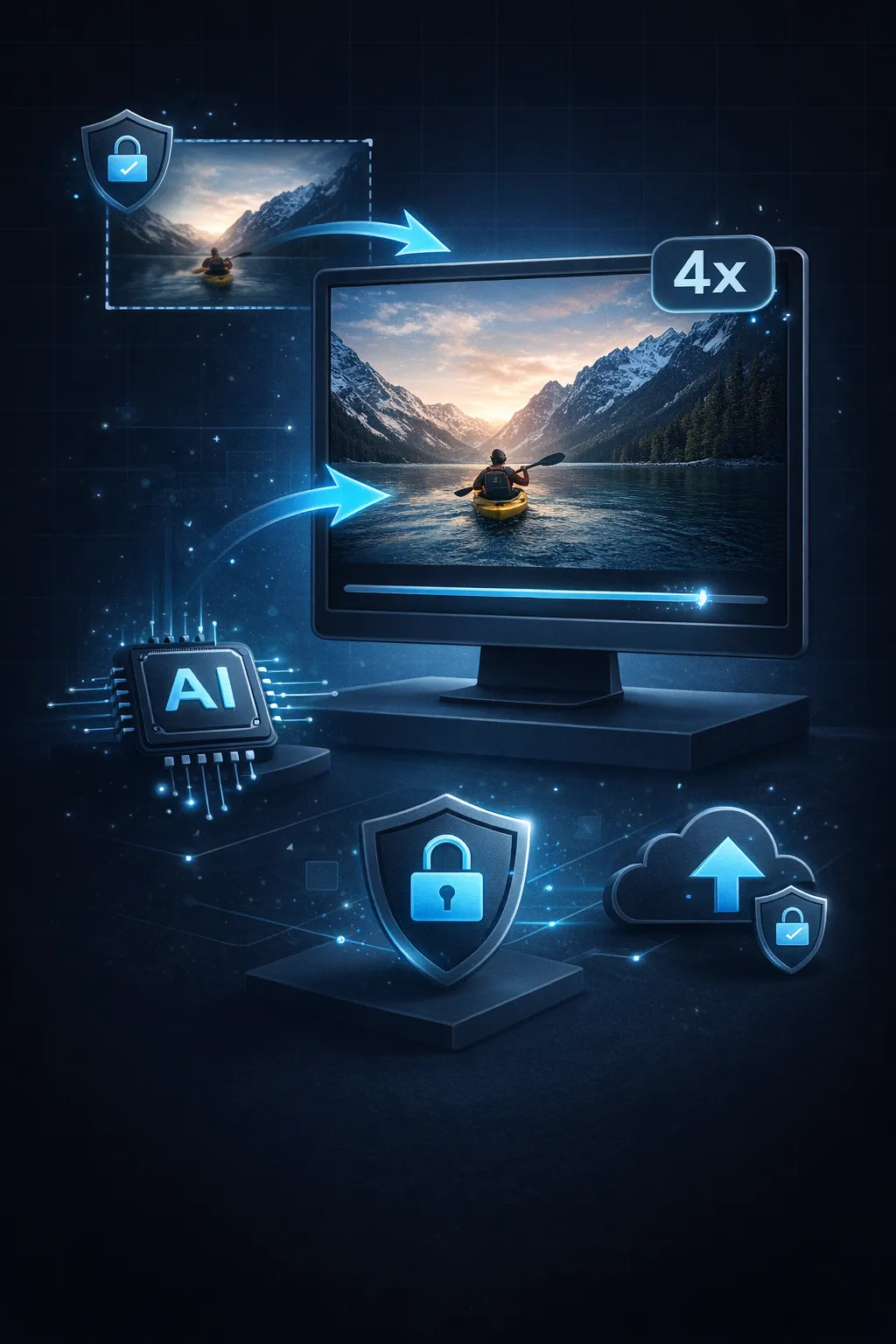
See What Pixelcut Image Upscaler Can Do
Drop in a low-resolution image and Pixelcut transforms it into a sharp, detailed, print-quality version — all within seconds.
- Scale Up 2x to 4xWhether it's a tiny thumbnail or a pixelated screenshot, Pixelcut scales it up to 2x or 4x resolution — preserving sharpness and fine details throughout.
- AI-Powered Detail RecoveryMore than simple pixel stretching — Pixelcut's AI rebuilds lost textures, recovers edge clarity, and restores detail stripped away by compression.
- No Barriers, No HassleNo sign-up needed. No watermarks added. No payment required. Just open the page, upload your image, and grab the enhanced version.
- Complete Image PrivacyEvery upload is processed through secure AI and deleted immediately after. We never store, review, or distribute any image you submit.
Why 5,000+ Users Choose Pixelcut Upscaler
Getting high-resolution images doesn't require Photoshop expertise or a paid subscription — just a web browser and half a minute.

Upscale Any Image in 3 Simple Steps with Pixelcut
Pixelcut turns your blurry, pixelated images into sharp, high-resolution versions. Here's how it works:
Drop Your Image In
Drag and drop or tap to select — supports PNG, JPG, and WebP files up to 20 MB.
Pick Your Scale
Choose between 2x or 4x magnification. The AI sharpens edges and reconstructs fine details during upscaling.
Save the HD Result
Save with one click. Your upscaled image is ready for online stores, social media posts, or print materials.
The Technology Behind Pixelcut Upscaler
A closer look at what enables Pixelcut to produce sharp, high-resolution images within seconds.
AI Super-Resolution Engine
AI-driven upscaling that recovers texture and detail destroyed by compression — far beyond simple pixel interpolation.
Flexible 2x / 4x Scaling
Scale a 500x500 image up to 2000x2000 at 4x. Pick the magnification level that matches your project needs.
Results in Seconds
Most images are upscaled in less than 30 seconds. No waiting in queues, no batch delays — each image processes immediately.
All Major Formats
Accepts all common image formats up to 20 MB. Download your results in the original format or convert to WebP for smaller file sizes.
Unlimited Usage
Process as many images as you want — no usage caps, no throttling, and no "upgrade to continue" interruptions.
Desktop, Tablet & Mobile
Fully responsive interface that runs smoothly on desktop, tablet, and mobile. Upscale product images right from your phone.
Pixelcut Upscaler by the Numbers
Numbers that speak for themselves — no hype, just facts.
10K+ Images Upscaled
Images Upscaled
5K+ Happy Users
Happy Users
< 30s Average Processing
Average Processing
Real Results from Pixelcut Upscaler


Frequently Asked Questions
Everything you need to know about Pixelcut Upscaler — features, pricing (it's free), and how it works.
Ready to Upscale Your Images?
Join 5,000+ users who've already upscaled their images. Try it now — results in under 30 seconds.